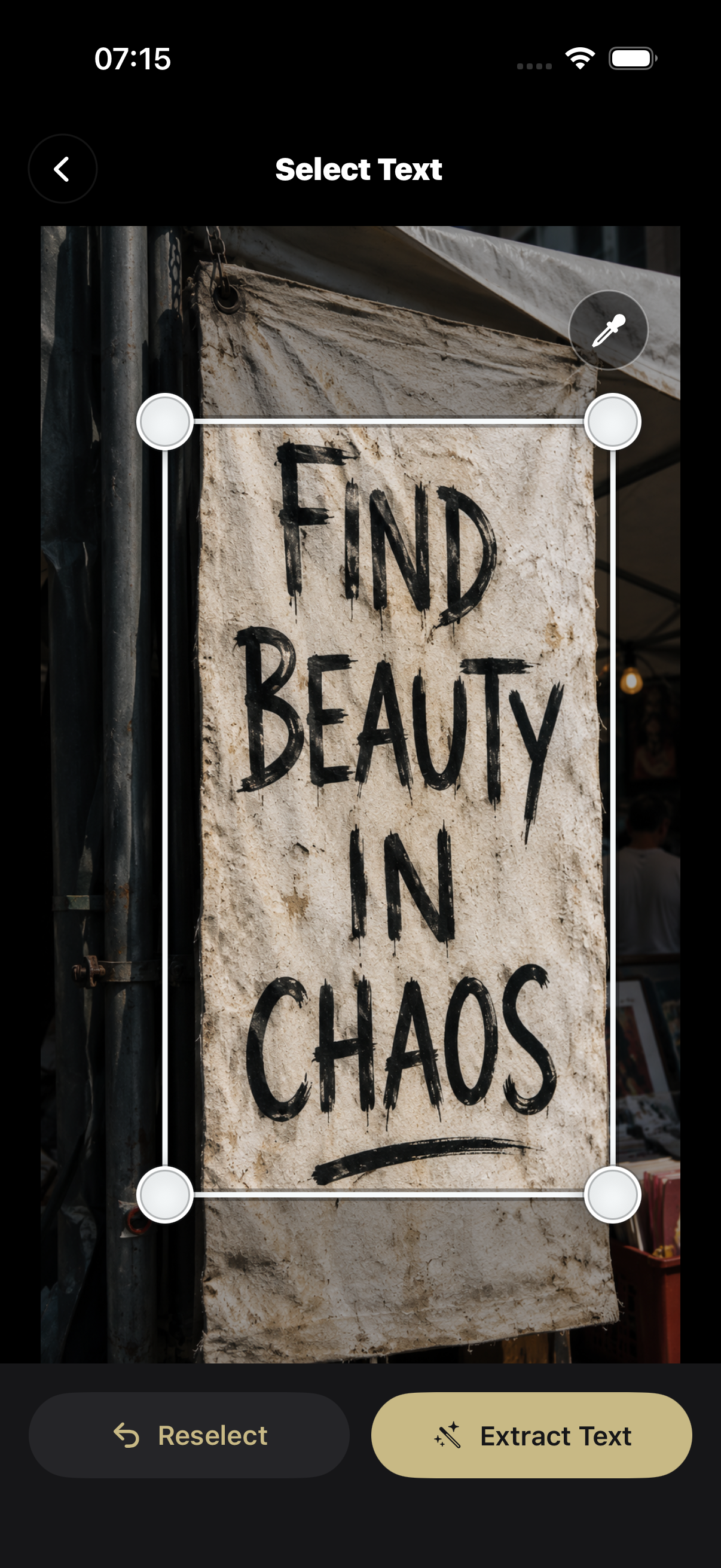
Select Text
Frame the lettering, then extract.
Frame the lettering first. If detection is off, Color Assist helps recover complex backgrounds.
 Typick Cam
Small iOS tool for found lettering
Snap the streets. Pick your type.
Turn real-world lettering into clean reusable type assets.
Product UI preview
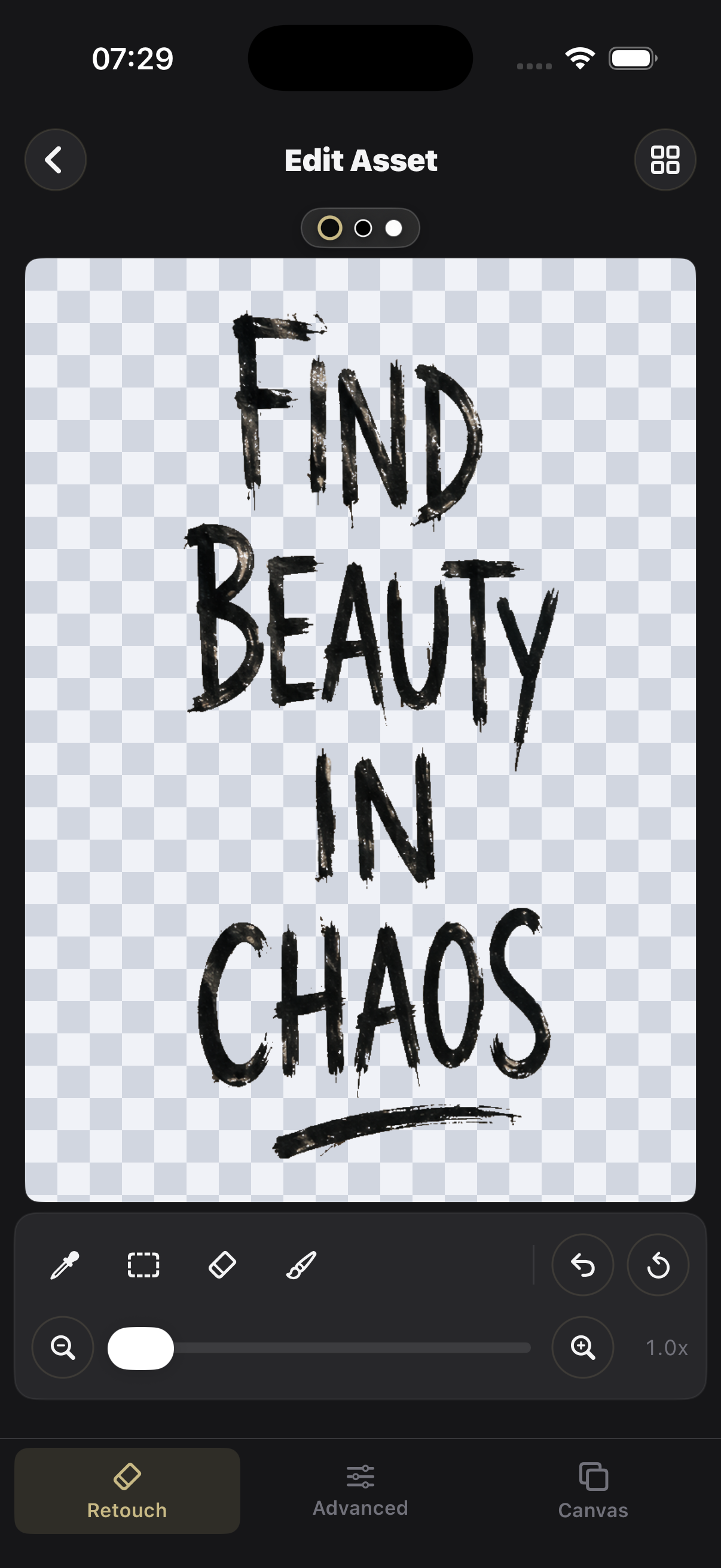
Retouch the layer, style the canvas, and keep each type sample in your Type Atlas.
Frame the lettering first. If detection is off, Color Assist helps recover complex backgrounds.
Compact controls, bottom tabs, live preview, and export actions in one place.
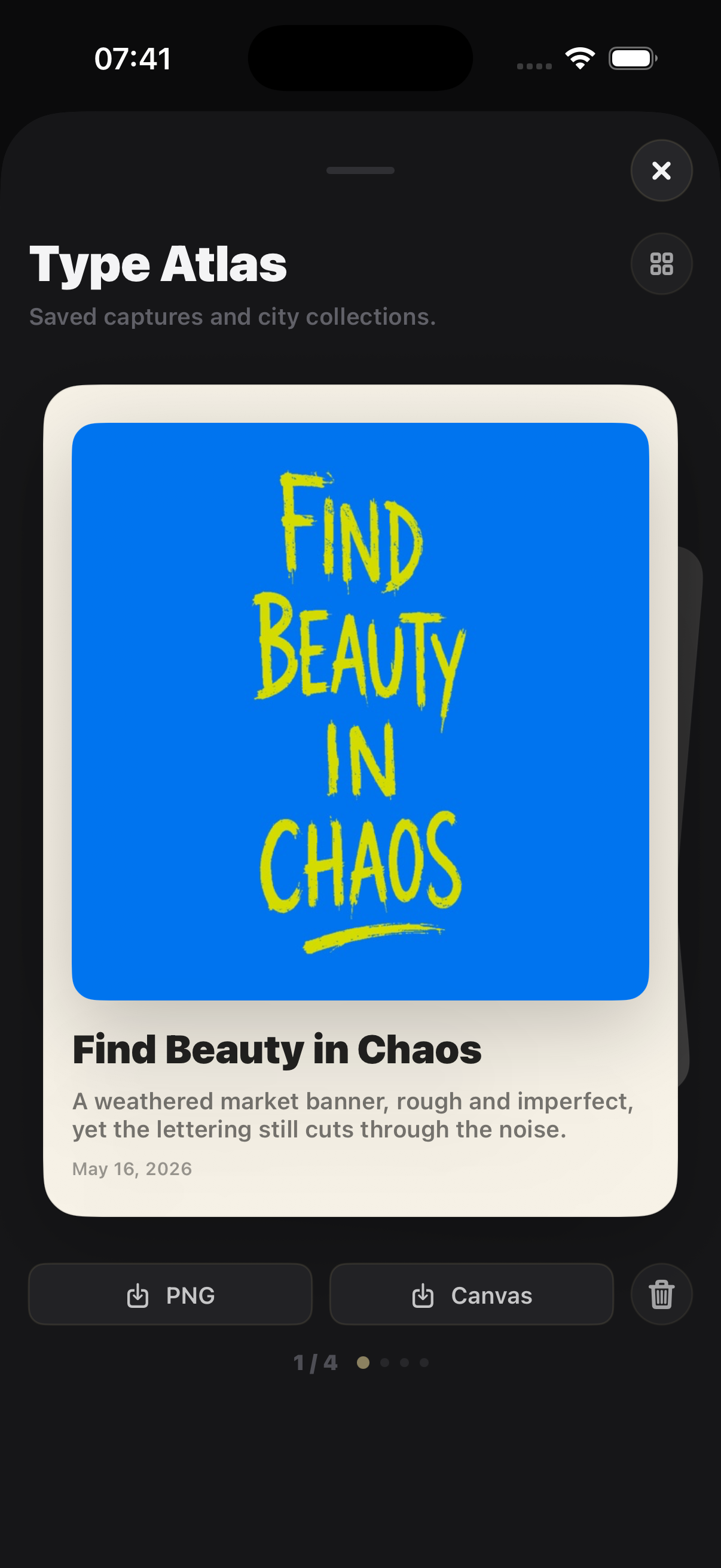
A quiet atlas for saved type samples, transparent PNGs, and styled images.
Features
Turn signs, notes, and found lettering into clean transparent type assets.
Use focused retouch controls to remove noise and preserve the hand-made shape.
Adjust ink, background, ratio, scale, and export a composed image when needed.
Keep type samples in a personal atlas for reuse and export.
Philosophy
Typick Cam stays small on purpose: choose a photo, isolate the lettering, refine the asset, style it when useful, and keep it in your Type Atlas.